



















IN THIS SECTION

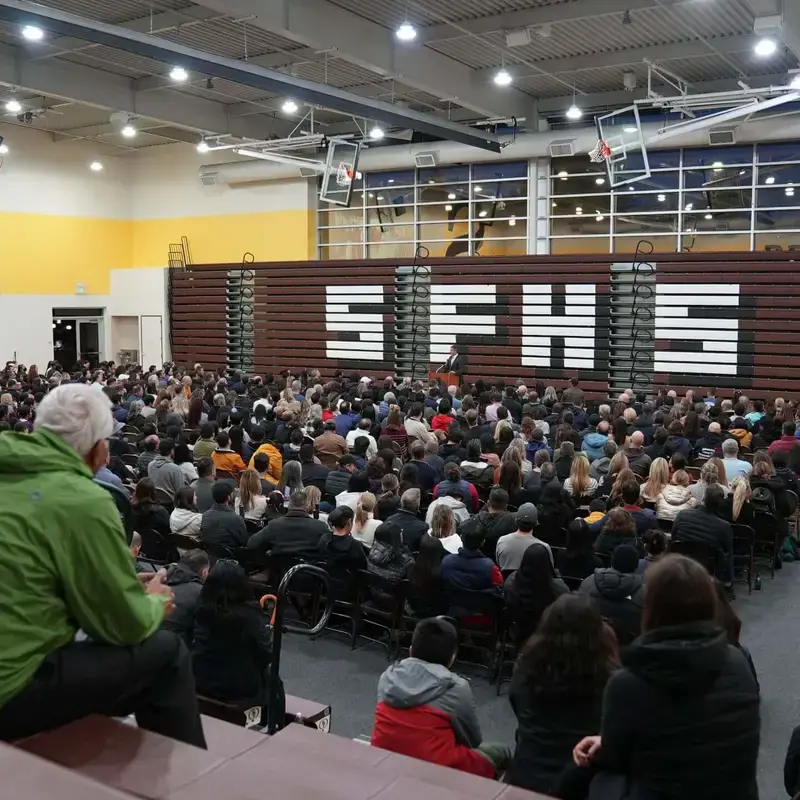
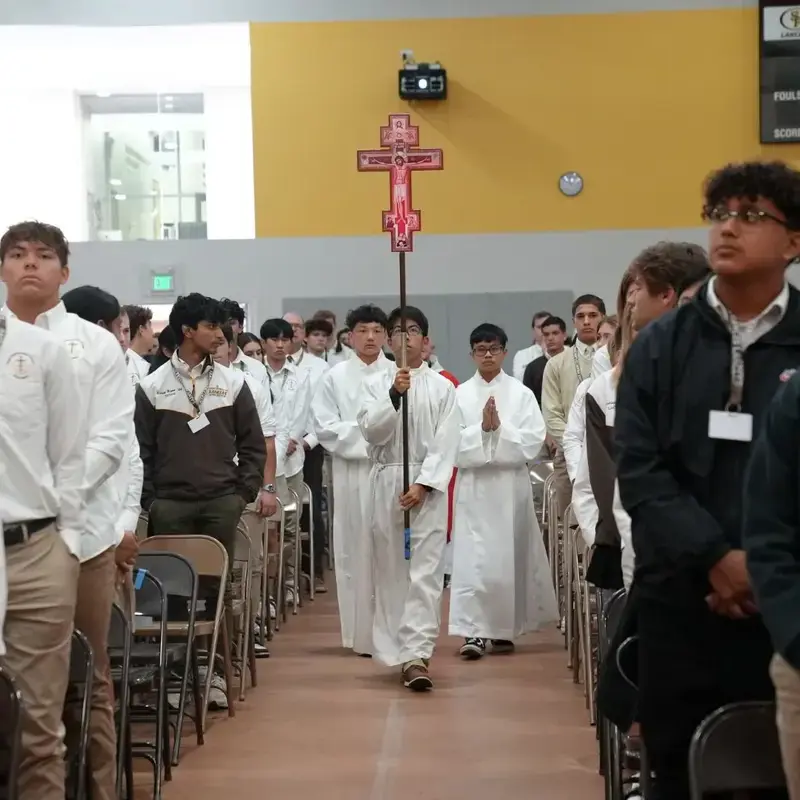
Welcome to the Saint Francis High School events calendar! Here you can explore and easily access more information about all the upcoming events. Stay in the loop and make sure you don't miss out on any of the exciting activities!


Calendar

Click here to view the proposed calendar pdf for the 2026-2027 school year.

Subscribe to SFHS Calendar via iCal

Stay connected with SFHS by subscribing to our school calendars. Our calendars are organized into three categories, making it easy to choose the information most relevant to you. You can subscribe to any or all of the three calendars below.

Already Subscribed?

If you previously subscribed to one of these calendars, you do not need to subscribe again. Your existing subscription will continue to receive calendar updates for the new school year.

About Our Calendars

SFHS calendars are separated by event type to make information easier to find and manage. Choose the calendars that are most useful to you—or subscribe to all three to stay fully informed.

How to Add These Calendars to Your Calendar App

Apple Calendar (Mac or iOS)

Mac

  1. Open the Calendar app.
  2. Go to File > New Calendar Subscription.
  3. Paste the iCal URL of the calendar you want to add (see below to copy URL link).
  4. Click Subscribe.
  5. Repeat for each calendar.

iOS

  1. Open Calendar.
  2. Tap Calendars.
  3. Tap Add Calendar > Add Subscription Calendar.
  4. Paste the iCal URL of the calendar you want to add (see below to copy URL link).
  5. Complete the subscription.
  6. Repeat for each calendar.

Google Calendar

  1. Open Google Calendar in a browser.
  2. On the left side, click the “+” next to Other calendars > From URL.
  3. Paste the iCal link (see below to copy URL link) and click Add calendar.
  4. Repeat for each calendar you wish to add.

Outlook (Can take up to 24 hours to sync on the Outlook side)

  1. Go to Add Calendar > Subscribe from Web.
  2. Paste the iCal URL (see below to copy URL link) and name the calendar.
  3. Click Import and repeat for each calendar.


If you need help setting this up, don’t hesitate to email support@sfhs.com.


What Calendars Are Available?

Choose the calendars you would like to subscribe to, then copy the corresponding iCal URL below:

  1. SFHS School Activities & Events
    Includes: school-wide events, sports, performances and extracurriculars
    Copy this URL to subscribe to School Activities & Events calendar
     
  2. SFHS School Schedule
    Includes: day types (e.g., A/B days), holidays, early dismissals and other bell schedule-related changes
    Copy this URL to subscribe to School Schedule calendar
     
  3. SFHS Alumni Events
    Includes: events specifically for SFHS and Holy Cross alumni such as reunions and networking opportunities
    Copy this URL to subscribe to the Alumni Events calendar
     
To get the URL from the links above:
  • PC (Windows):
    • Hover your mouse over the link.
    • Right-click the link → Select "Copy link address" (wording may vary slightly by browser).
    • This copies the URL to your clipboard.
  • Mac:
    • Hover over the link.
    • Control + click or two-finger click on a trackpad → Choose "Copy Link" or "Copy Link Address".
  • iPhone or iPad:
    • Touch and hold the calendar link.
    • Select Copy Link from the menu that appears.
    • The iCal URL is now copied to your clipboard and can be pasted into your calendar app.
  • Android:
    • Touch and hold the calendar link.
    • Select Copy link address or Copy link (wording may vary by browser).
    • The iCal URL is now copied to your clipboard and can be pasted into your calendar app.


How Can We Help?

If you have questions, please dont hesitate to reach out using the contact details below.  We'd love to hear from you!

Ask Saint Francis

Email